Kyrre Bakke · September 2026 · Last updated September 2026
IT Components: Tracking Technology Risk Without CMDB
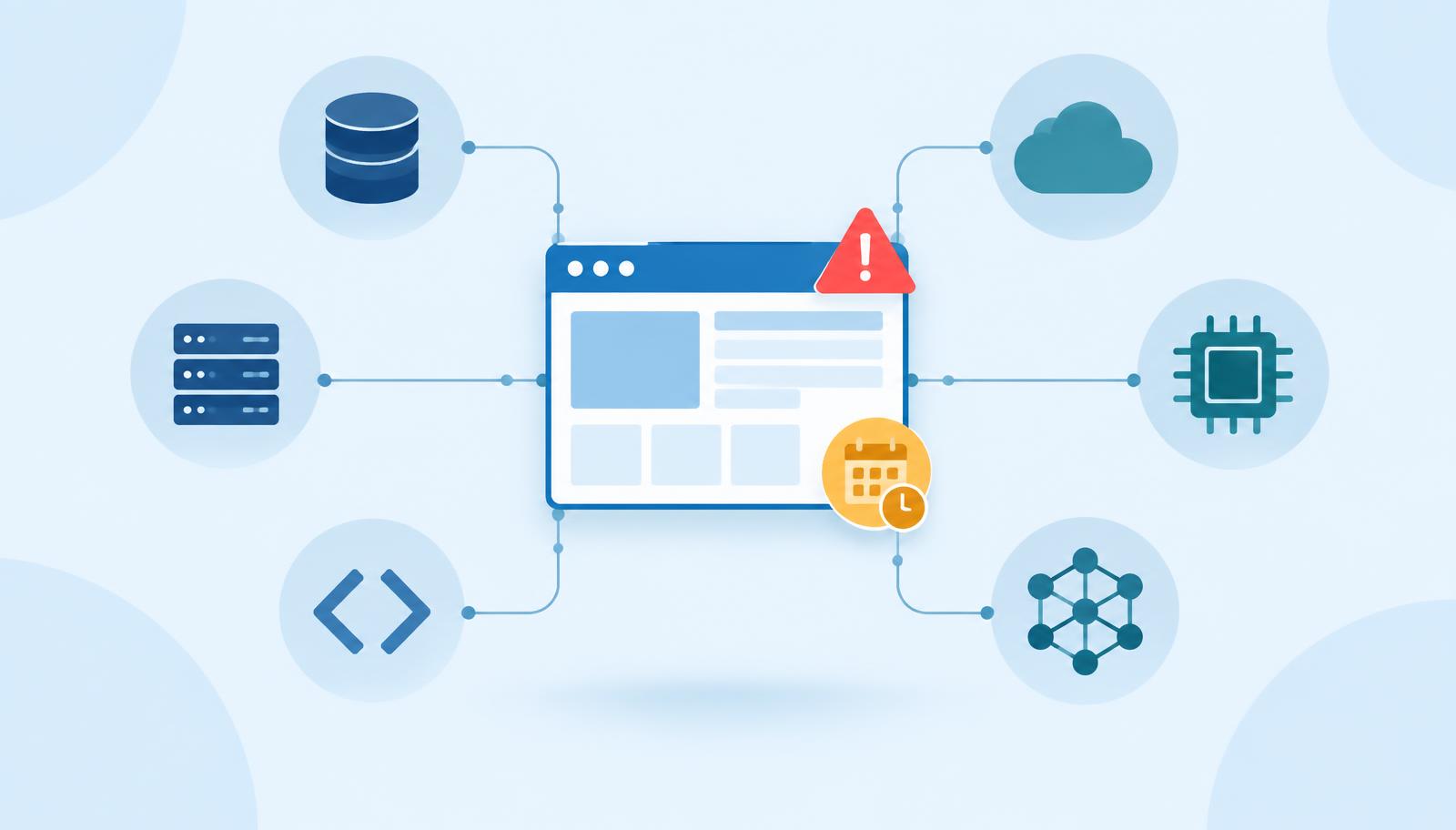
Enterprise architects spend significant time managing application portfolios. You know which business capabilities an application supports, which business units rely on it, and what it costs to run each year. But applications do not run in a vacuum. Underneath every CRM, ERP, and bespoke customer portal sits a technology stack: databases, runtimes, cloud platforms, operating systems, and third-party AI models.
When a runtime version reaches end of life or a database vendor announces support cutoffs, architects face an immediate question: which business applications are exposed, and how urgently do we need to act?
Traditional Configuration Management Databases (CMDBs) often fail to answer this clearly. They capture too much low-level operational detail, from individual server serial numbers to patch iterations. The data quickly rots, maintenance becomes a full-time burden, and architects are left with noise rather than actionable architecture insight.
A pragmatic inventory, not a CMDB
We built the IT Components inventory in ArchiBuddy to solve this problem pragmatically.
An IT Component represents an underlying technology asset that your applications rely on. Instead of duplicating technology notes across dozens of application records, you catalog the component once. You record its vendor, version, category (such as PaaS, IaaS, SaaS, Software, Hardware, or AI Model), and its vendor End-of-Life (EOL) date. Then you link the applications that depend on it.
Risk calculated from facts
From those two inputs alone, ArchiBuddy automatically calculates component risk:
| EOL status | Used by applications | No dependent applications |
|---|---|---|
| Past EOL | Critical | High |
| EOL within 90 days | High | Medium |
| EOL in 90 days to 12 months | Medium | Medium |
There is no subjective manual risk score to maintain. Risk is derived consistently from recorded dates and real application dependencies. Through the Component Risk report, architecture teams can instantly view which technologies need attention, prioritized by urgency and blast radius.
Keep the inventory lean
Don't catalog everything you run. Add only the components that matter for controlling risk, the ones whose end of life would force a decision. More is not better: an inventory of everything is a CMDB by another name.
Update October 2026: ArchiBuddy now integrates with the open-source endoflife.date service. Start typing a component name to pick from over 480 tracked technologies, and ArchiBuddy fills in the category, vendor, version and official End of Life date. Custom and in-house components can still be added manually.
IT Components and the Component Risk report are included in the Professional and Enterprise plans. Want to see it in your own landscape? Start a trial or get in touch and we’ll set it up.
Track your technology risk
Link IT components to the applications that use them and see end-of-life dates before they become a problem.
14 days, no credit card required
Explore the live demo